
Documents with hundreds of pages: AI anonymization without the long wait
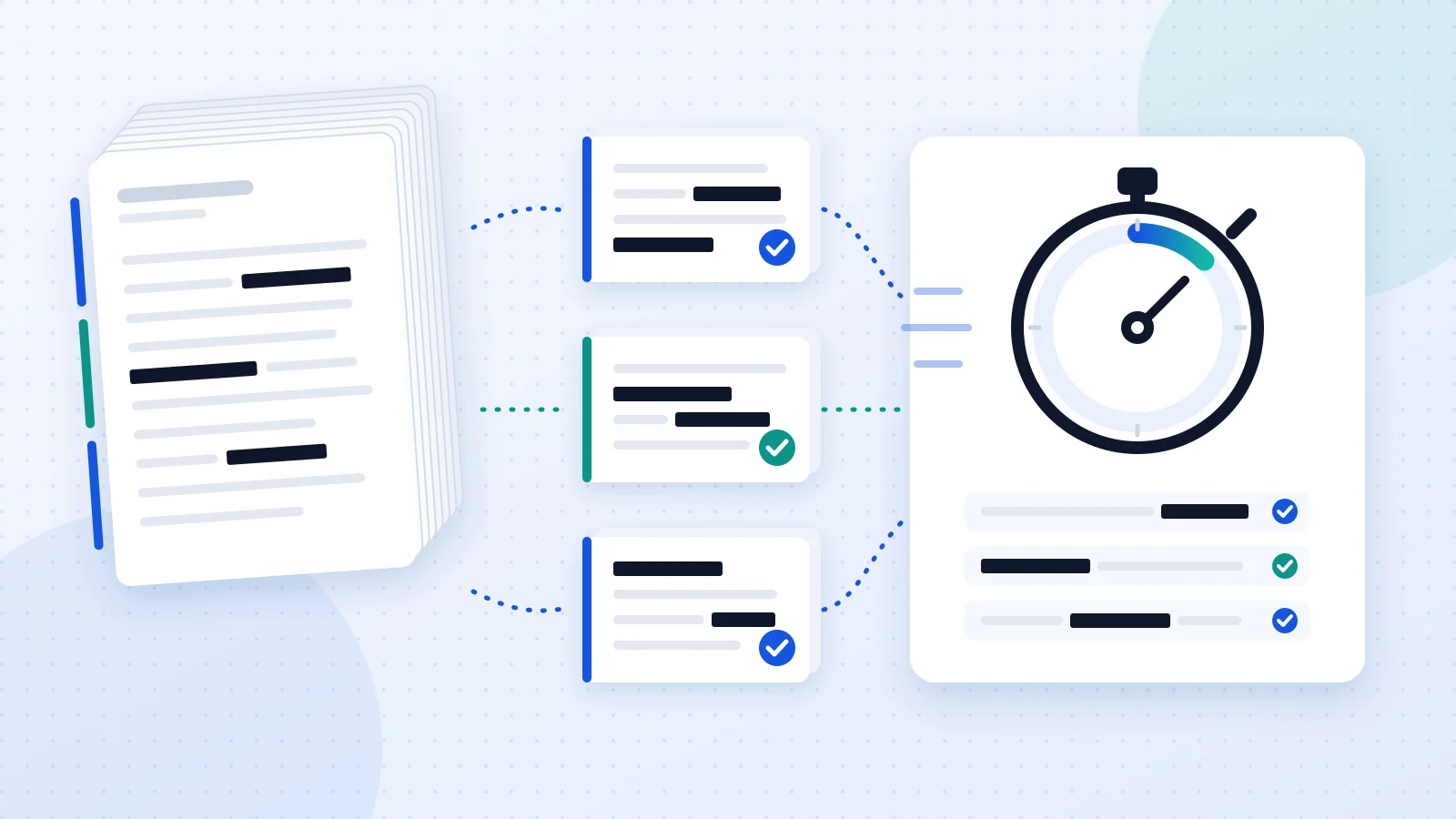
Case files, grant applications, court bundles, due diligence data rooms: many of the documents you need to anonymize run to hundreds of pages. And they were exactly the ones that kept you waiting. In version 1.9.0 of Anonimatum we rebuilt two parts of the process: a 600-page Word file that used to run past 20 minutes now previews in about 7, with the same result. Above all, if something goes wrong, the app tells you.
Why long documents took so long
Anonimatum’s AI reads the whole document to find what rules alone can’t: names, addresses, amounts and dates in context. It works at about 0.5 seconds per page and analyses one document after another, so a 600-page case file needs several minutes for that reading alone.
The real problem was something else: if the analysis ran over the time limit, the result could end up with only the pattern-based detections (ID numbers, IBANs, phone numbers…) and lose the names, amounts or addresses the AI had found, with no warning. A document that looked anonymized but was only half done.
What changes in version 1.9.0
The AI analyses long documents in blocks of 25 pages
Long documents are now sent to the AI in blocks of 25 pages. Each block is analysed separately and the results are then merged, with every detection placed back on its original page. No single analysis gets anywhere near the time limit, however long the document.
If a block fails, you’ll know
If the AI can’t analyse a block, the preview says so with the exact pages, for example “the AI did not analyse pages 26–50”, so you can review them or run the analysis again. And the final anonymization never delivers a half-anonymized document: it stops and warns you rather than quietly handing it over. Between speed and safety, safety wins.
Marking each value on its page: from 22 minutes to 11 seconds
Once the data is detected, it has to be located on every page to draw the redaction boxes. That step has been rewritten too: each page’s text is prepared only once (it used to be once per word searched), repeated searches are reused, and words that can’t be on a page are skipped straight away. In a test with 600 pages and 2,000 detected values it went from about 2.1 seconds per page to about 20 milliseconds: from roughly 22 minutes to about 11 seconds, with exactly the same marks.
| Before | With 1.9.0 | |
|---|---|---|
| Full AI preview | Over 20 min, then cut off | About 7 min |
| AI analysis | Whole document in one go | Blocks of 25 pages, about 5 min |
| Marking data on the pages | About 2.1 s per page (≈ 22 min) | About 20 ms per page (≈ 11 s) |
| If the analysis doesn’t finish | Rules only, no warning | Warning with the affected pages; never delivered half done |
The test: a 600-page Word file
We tested it with a 600-page Word file full of personal data: names, IBANs, ID numbers, phone numbers, email addresses, postal addresses, dates and amounts. The full AI preview now finishes in about 7 minutes: around 5 for the AI analysis and the rest to prepare the pages and mark the data. Before, it ran past 20 minutes and was cut off.
As a rule of thumb, allow a little over half a second per page: about a minute for 100 pages and around 3 for 300. If you need to anonymize many long documents at once, it’s better to send them through batch processing than one by one.
Other 1.9.0 improvements built for long documents
- Preview by word. Besides the list by page, each detected text appears once with its number of occurrences and its pages. If the AI has wrongly flagged a word that repeats across 200 pages, you remove it everywhere at once with Remove all, and the app suggests not anonymizing it again.
- A large Word file never leaves un-anonymized. We fixed a case where a large Word file could be downloaded without anonymization if a setting was changed after the preview. AI detection is now repeated when anonymizing and, if no data is replaced, the app tells you instead of delivering the document. More on how to anonymize a Word document and keep its formatting.
What this means for you
- Case files with hundreds of pages preview in minutes, and in full.
- For the AI preview, allow a little over half a second per page.
- If the AI doesn’t analyse a page, the preview tells you which ones.
- You’ll never get a half-anonymized document without a warning.
- The marks are identical to before: only the time changes.
- For many long documents at once, use batch processing.
- Always review the preview before applying, as with any document.
We explain detection quality language by language in how we measure Anonimatum’s AI, and the full list of changes is in the 1.9.0 release notes.
Frequently asked questions
Is the result the same as before?
Yes. Detections and redaction boxes are identical; only the time changes. In the 600-page test, locating the data produced exactly the same marks before and after the change.
What happens if a block fails?
The preview lists the pages the AI did not analyse (for example, “the AI did not analyse pages 26–50”) so you can review them or run the analysis again. The final anonymization never delivers a half-anonymized document: it stops and warns you.
Is there a page limit?
Not from the AI: the document is split into as many 25-page blocks as needed (24 for a 600-page file). Your account’s general limits still apply, such as file size and available pages. What grows with size is the time: a little over half a second per page.
Does my document leave the EU?
No. It’s analysed on Anonimatum’s own servers in the EU, without sending it to third-party services or external APIs. All blocks are analysed in the same place.
Does anything change for short documents?
A document of 25 pages or fewer is analysed in one go, as before. It also benefits from the new way of marking data on the pages, although with short documents the difference is barely noticeable.